How do I place an order?
Choose a size, add the dress to your bag, and open checkout. Name, mobile, city, and pincode are required.
Help
Short answers for checkout, delivery, fit, and the try-on. The order number and the mobile have to match.
Before you order
Leave a name, a mobile, and an address. We confirm on that mobile and mark the order paid when you settle it.
Choose a size, add the dress to your bag, and open checkout. Name, mobile, city, and pincode are required.
After the order exists. Checkout does not ask for a card. Payment stays pending until the store marks it paid.
Open Orders and enter the order number plus the mobile from checkout. Track an order.
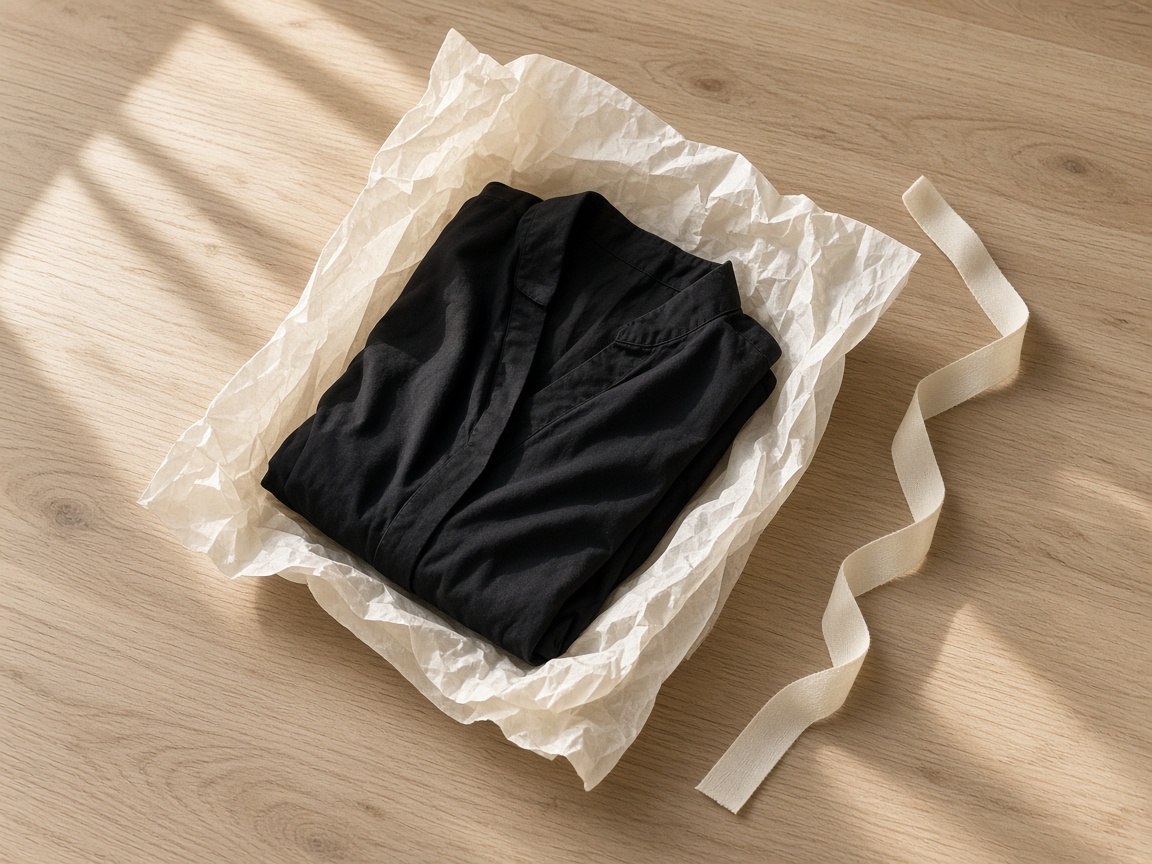
From Chennai. We pack the size you selected, in tissue.
S, M, L, and XL. They run true. Length is on each dress: below the knee, mid-calf, floor, or midi.
Before the parcel is packed. Quote the order number on the mobile you left at checkout.
Open a dress, add a photo or use the sample, and agree the photo is only for the preview. See how try-on works.
A crop at the knees, a side view, a seated pose, or more than one person. Stand facing the camera, head to shoes.
It is stored on this shop so the preview can be generated. The consent line is required before the preview runs.
Use it for proportion and colour. Use the studio photograph for cloth and buttons. Zoom is for the neckline and the hem.
Store staff use a separate desk. Open the staff desk.
The dress page shows how many are left. The four dresses are the whole edit.